
Add Animated Text Effects Quickly with Lyric Video Creator
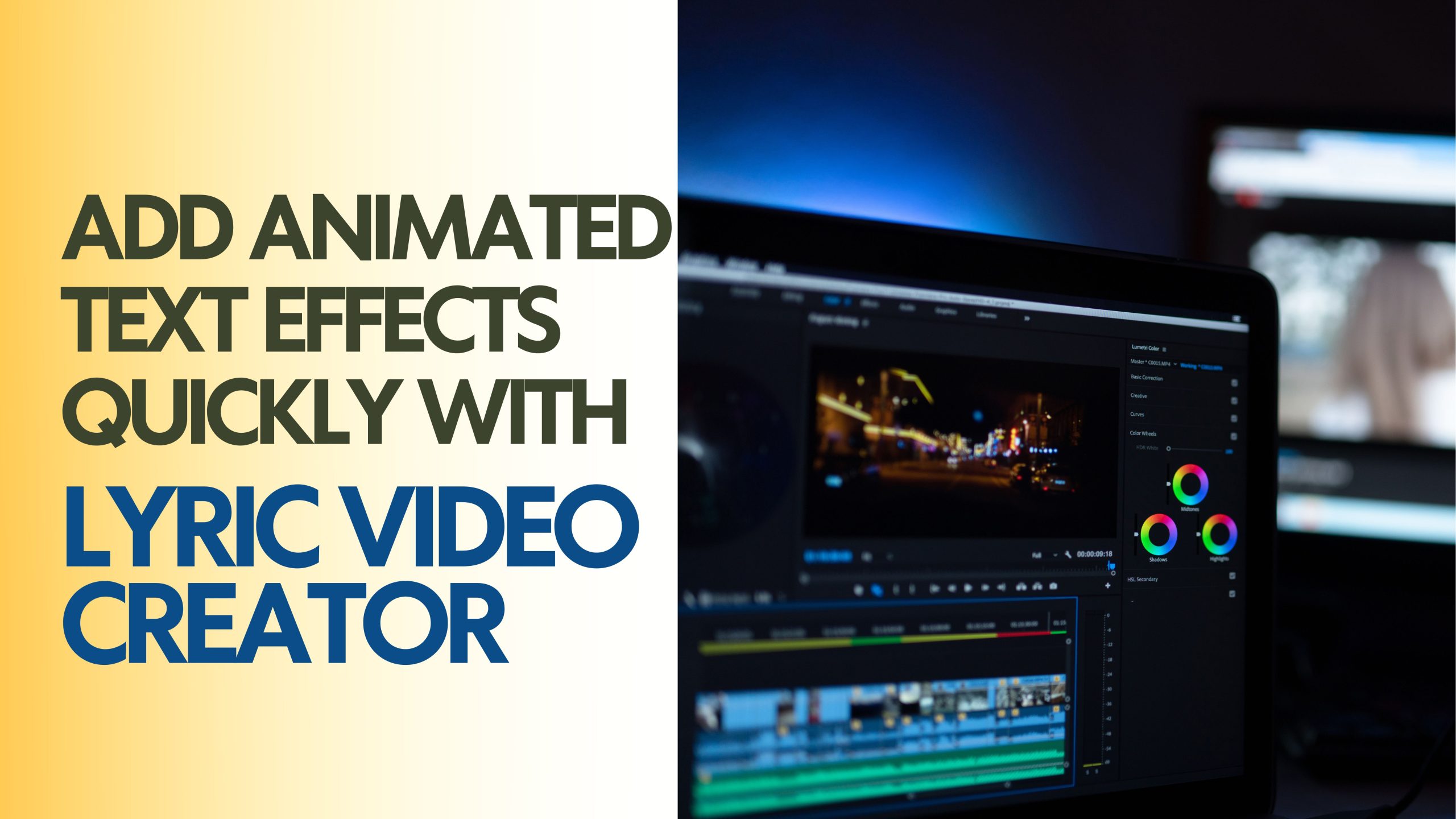
Lyrical animation makes the otherwise boring music videos interesting to watch. They bring life and character to the songs and make viewers interested in the content. When the text is moving following the music, it highlights the rhythm, emotions, and crescendos, which makes the experience more immersive. Platforms like Pippit lyric video creator simplify this process, offering animation features that allow creators to design lyric videos quickly and professionally without extensive editing knowledge.
The reason why Animated Lyrics are better at engaging the song
The movement itself attracts attention to certain objects on the screen. Lyrics that are animated make listeners keep up with the songs, focusing on the beats and emotional scenes. Lyrics in dynamic form highlight crescendos, pauses or dramatic lines in music. The method is especially useful with short-form social media content, where attention spans are limited, and visual effect is the most important factor. An appropriate timing on an animation will make people re-watch the video or share it with colleagues, which enhances interaction. It is important to use effects well so that the motion does not distract but adds to the song. Artists can even use minor motion in addition to more dramatic indicators to create balance. One effective approach involves layering effects while keeping the background clean; for instance, applying a blur video to maintain focus on moving lyrics can elevate the overall look.
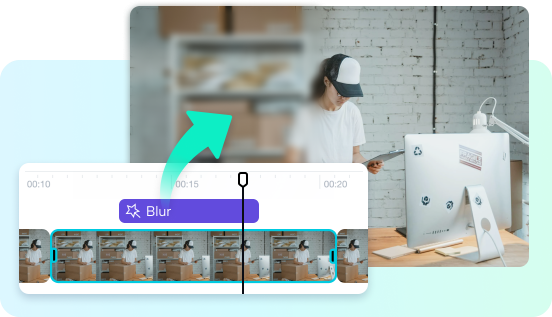
Introduction to Animation in Pippit
Pippit offers various animation services on the lyric videos. The effects available are fade, slide, pop, typewriter, bounce, and wipe among others. Both options can be counted on a beat or lyrical emphasis. The visual flow can be dynamic by overlaying animations on verses and choruses, as well as hooks. Artists are able to combine various effects on various lines or words without overwhelming the audience. Pippit has timing controls that ensure it is easy to align transitions to the rhythm of the song. There are also possibilities to use animations either at the beginning or end of a line and make each line look polished. This adaptability will make sure that each video is unique and professional at the same time. These options enable designers to convert the dull captions to eye-catching graphics with little effort that can be used to match the energy of the song.
Steps to Add Animated Text Effects Quickly with Lyric Video Creator
Step 1: Launch the Motion-Ready Editing Area
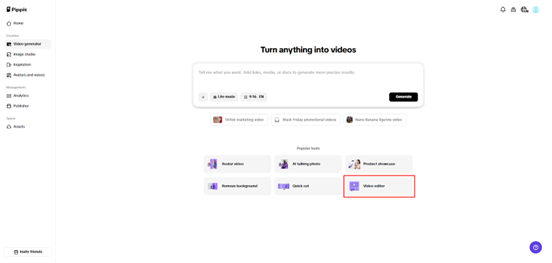
You start by logging in and going to the homepage’s “Video generator” panel. You then choose the “Video editor” to access animation-friendly tools. This workspace gives you the flexibility to prepare your clip before adding animated lyric effects.
Step 2: Insert Your Clip to Begin Animating
You press “Upload” or drag and drop your video directly onto the timeline. You can pick media from local storage or the cloud. The video appears instantly, letting you preview it and confirm it’s ready for animated text overlays.
Step 3: Generate Lyrics and Apply Animation Effects
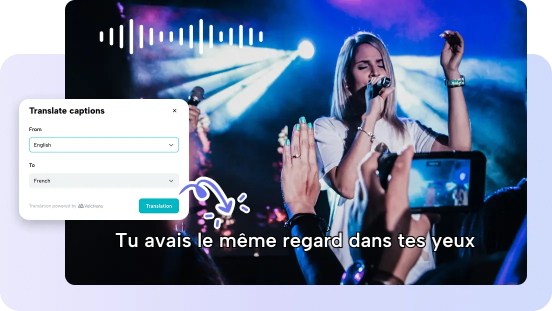
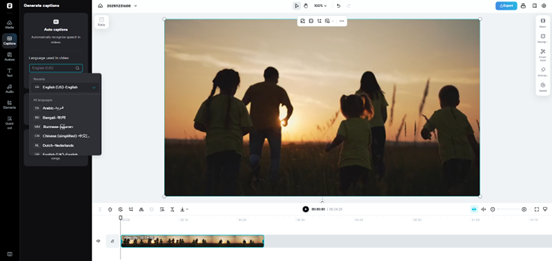
You open the “Captions” section and select “Auto Captions” so the system can detect your audio and produce the lyrics automatically. You can edit lyrics manually, add text, customize size, color, alignment, etc.
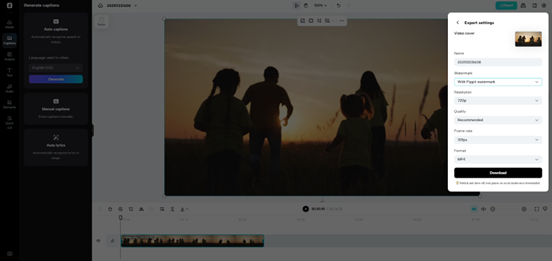
You can also tweak filters, effects, add background music, remove background to match your chosen animations. When finished, you click “Export” on the top right. You can publish your ad on TikTok, Instagram or Facebook using “Publish”, or download it to your device with your chosen format, frame rate, resolution, quality, and name by selecting “Download”.
Correlation between Animation Style and Musical Genre
The selection of the appropriate animation style will improve the relationship between the images and music. Slow acoustic songs are good to have faint fades or light slides to achieve an intimate and relaxing effect. Pops, bounces, and quick slides are required to suit fast tempo EDM or hip-hop music. The retro synthwave music can be combined with flash and graphic transitions to create a sense of nostalgia and keep the viewers on their toes. The synchronization of animation with musical genre makes the images appear harmonious instead of distracting. The most nuanced visual elements can be used to enrich the emotional sound of the music, and the lyrics will be more memorable and pleasant.
Personalized Timing and Accuracy Editing
Professional lyric videos require precision. Pippit allows to adjust easing in and out to facilitate transitions. The ability to time animations to beat markers is used to make sure every effect hits precisely when required. Depending on the significance of a word or a line, animations can be used to emphasize a single word or a whole line. Delicate work on these details will enhance the clarity, and the lyrics will be easier to follow. The matching of effects to rhythm instead of random intervals is a polished, deliberate feel. Making minor time changes can enhance the entire experience of viewing videos and provide a professional advantage without making the working process too complex.
A trade-off between Visual Motion and Readability
The lyrics should be improved by animation but not to the point of overwhelming the viewers. Fluid, non-vibratory movement aids in assimilation of the lyrics by the audience. Too much overlapping or speediness would make the text hard to read and distracting to the song. It is essential to balance movement and readability particularly when videos are to be used in social media. The use of layers in a well-considered way, the reduction of simultaneous animations, and the clarity of line transitions guarantee the attention of viewers. It is also a method by which the lyrics are able to complement music instead of competing with it, and this leads to a harmonious viewing experience.
Exportation of High quality Animated Text Videos
Export settings: These are essential in maintaining animated effects. Pippit is in favour of high-resolution formats and compression control to maintain sharp motion. Proper export makes it possible to have a smooth animation when videos are re-exported to other platforms. The optimization of formats and sizes ensures that there is no loss of quality but still with high speed of loading. It is especially necessary to avoid needless downscaling when the video contains complicated animation. This makes sure that all the effects are crisp and graphic even after they have been compressed to platform specifications. Using Pippit, creators can avoid issues like make image low quality while maintaining professional standards across all outputs.
Conclusion
Cartoon text makes simple lyric videos interesting to the eye. When used in a proper way, movement makes the music more interesting, highlights musical beats, and makes the whole experience better. Pippit opens this process and provides specific controls, professional effects, and productive workflows. Regardless of whether it is a social media post, a promotion, or a fan interaction, it is possible to add text effects which are animated and fast with the platform. Lyric videos can no longer be static, as they can be dynamic, polished, and appealing to any audience with Pippit.